A mission and values display can remain physically tidy while its wording becomes outdated. Content maintenance deserves its own plan, separate from cleaning and physical inspection. The buyer should know who owns the message, where the approved source lives, and what business changes require a review.
You do not need an elaborate system. A small, reliable record is enough to prevent old statements from lingering unnoticed or replacement signs being ordered from an obsolete file.
Create a content record at purchase
Record the exact wording, approval date, owner, location, and associated artwork version. Include a photograph after installation so the record shows what is actually on the wall. Keep the source text in a form that can be searched and compared, not only inside an image.
If the display has several panels, identify them individually. This helps distinguish a local correction from a change to the whole set. The record should be understandable to someone who did not manage the original project.
Define the events that trigger review
A new mission statement, a revised values framework, a merger, or a change in organizational naming may affect the display. Identify the events relevant to your business and connect the sign review to the team responsible for those changes.
An annual check can be useful as a backstop, but do not wait for it when you already know the content has changed. Conversely, avoid replacing a display merely because an informal draft appeared in a presentation before official approval.
Compare all versions of the message
Check the wall against the approved handbook, onboarding resource, website, and other relevant sources. Differences may be intentional, such as an approved short version, but they should be documented. Unexplained variations create confusion about which statement is current.
For bilingual displays, review translations together. Updating only the source language leaves the physical set internally inconsistent. Ask the language owner to inspect both the new wording and its final arrangement before replacement production.
Separate damage from content changes
A damaged plaque may need a like-for-like replacement, while a revised mission requires new content approval. Treat these as different requests. Before reordering an older design, verify that its wording remains current rather than assuming the existing sign is authoritative.
If a supplier retains project information, still keep your own approved record. Confirm the specification for the new order and ask about any relevant changes. A saved file supports continuity but does not eliminate the need to review the replacement request.
Plan removal as part of replacement
Decide what happens to an outdated sign once a new one is installed. Leaving it in another office or storage area where it might be reused can reintroduce the old message. Follow your organization’s asset and disposal procedures, and document that the former wording is retired.
After replacement, update the location photograph and notify the teams that use the display in tours or onboarding. Their speaking notes and digital resources may need the same revision. Completion means the whole communication is aligned, not just that a new panel arrived.
Frequently asked questions
How often should we review a values wall?
Choose a routine cadence that suits your organization and add reviews whenever approved content changes.
Is cleaning the sign enough maintenance?
No. Physical care and content accuracy are separate responsibilities, even if the same team coordinates them.
Can we reorder directly from an old photograph?
Use the photograph as a reference, but confirm the current approved text and specification before placing a replacement order.
Make the next order easier to manage
When discussing a culture-wall project through the B2B signage page, ask what information you should retain for future replacements and keep it alongside your own approved content record.
Explore Toprak Creative’s personalized acrylic wall plaque when preparing a replacement brief. Confirm the current options for your approved wording before ordering.
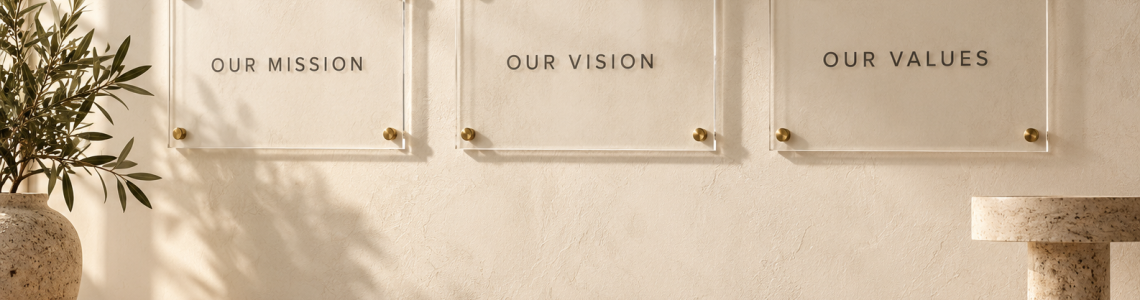
Cover image: AI-generated editorial visualization, not a photograph of a customer installation or supplied product.